CapCut
CapCut for PC with all basic editing tools including resizing, trimming, and cutting.

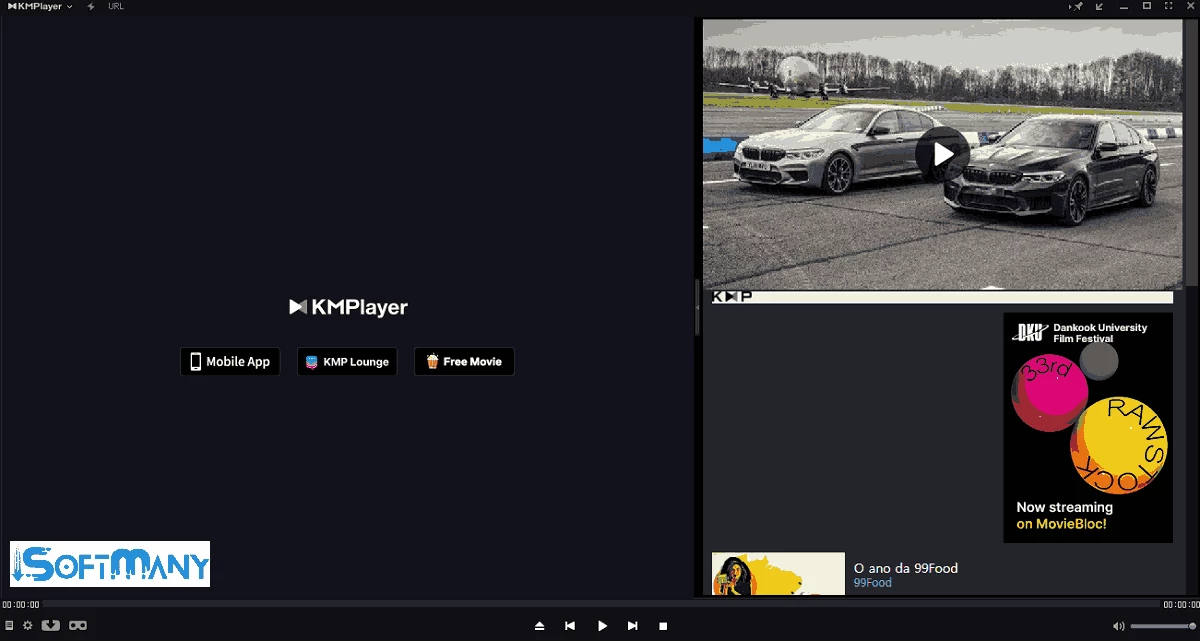
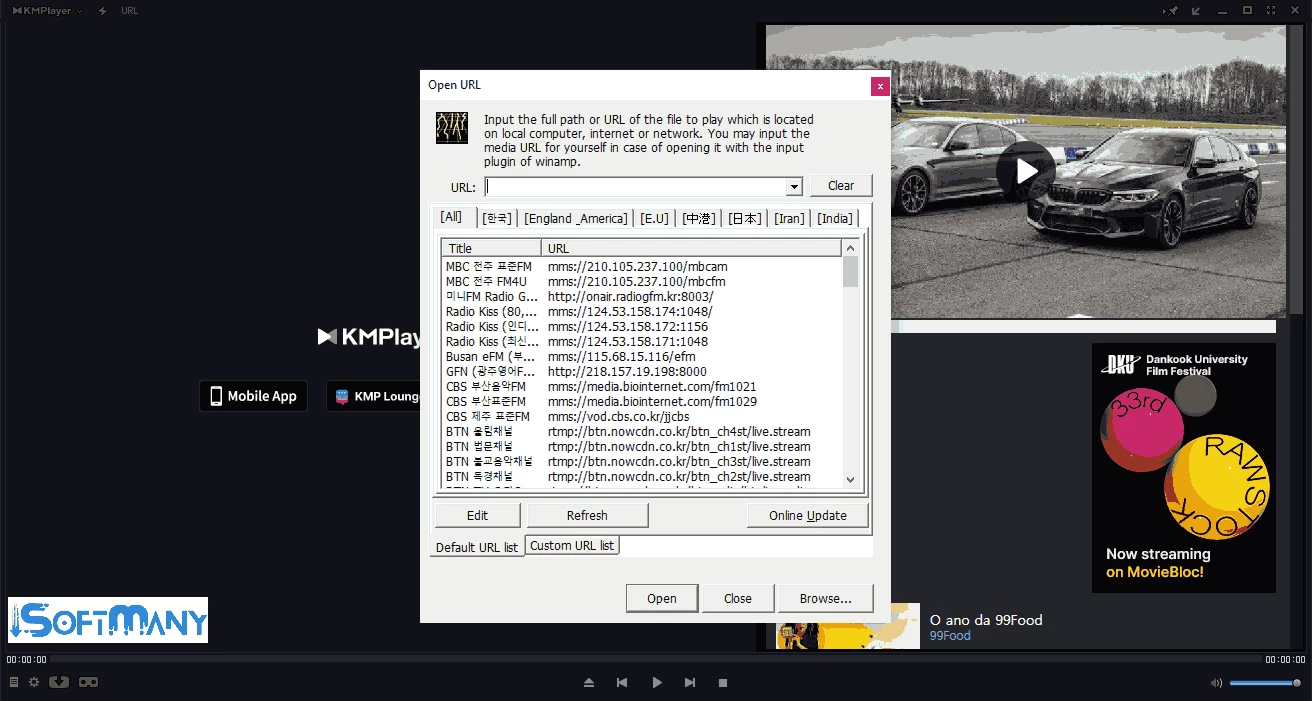
KMPlayer is a versatile and powerful multimedia player and downloader to enable users to manage their multimedia content more reliably with support for multiple formats. It is a free, safe, and lightweight utility that delivers a versatile and flexible functionality for multimedia enthusiasts. It is the best combination of advanced customization, optimized performance, and broad media support.
The tool offers broad compatibility for multiple digital devices, including Windows PC, Android, iOS, and macOS operating systems. Feel free while using the ground-breaking utility with fool-proof security and privacy; however, you have to face advertisements integrated into the main interface.
K-Multimedia Player, commonly known as KMPlayer, or KMP, is a cross-platform multimedia downloader and player. It is Korean software, developed by Kang Yong-Huee, that was officially launched in 2002. It was acquired by a Korean video streaming company, called Pandora TV, in 2007.
The tool, with support of multiple plugins and adjustments, offers a lot of features, including screenshot, recording, online streaming, with innovative customization options such as subtitle settings, screen adjustments, sound settings, etc. So, you can easily set it to your preferences: casual or advanced.
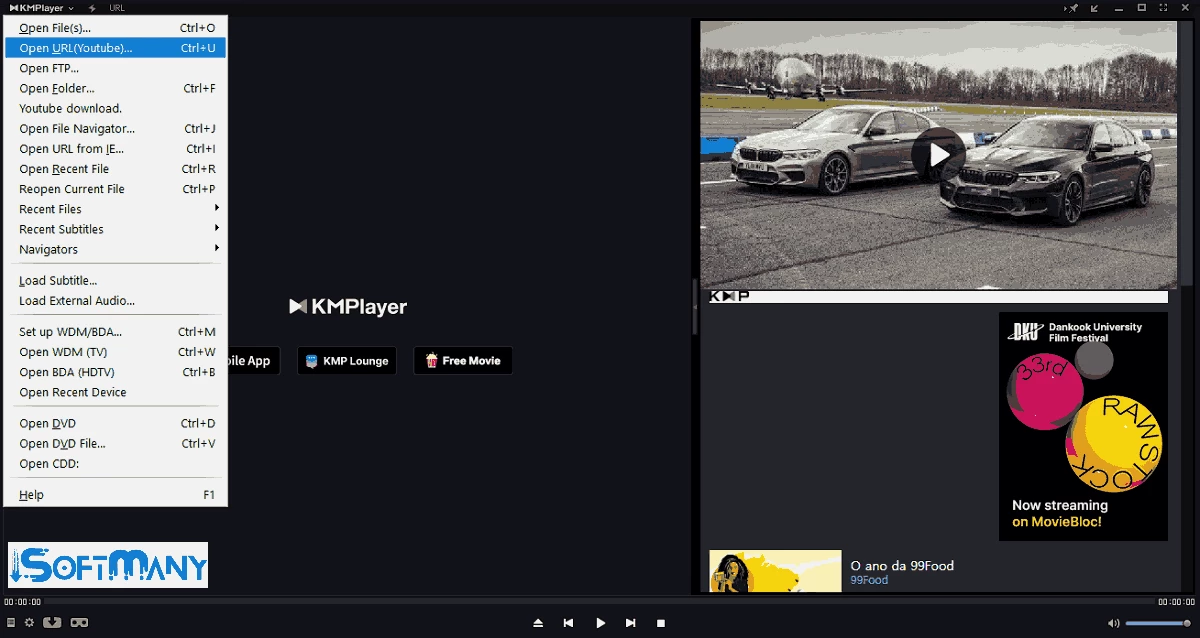
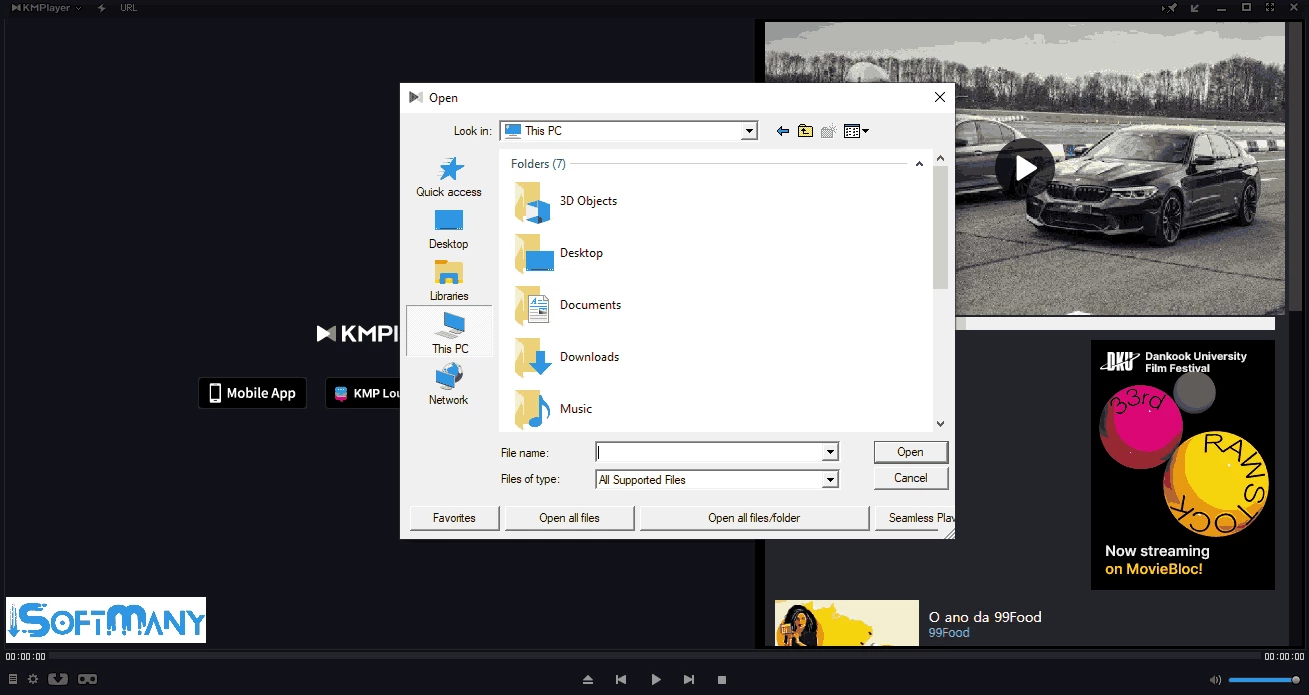
The minimalist interface with simplicity and versatility is simple to use, as it isn’t overcrowded with unnecessary tools. You can keep your multimedia files organized, and access any option within right-clicking the context menu, such as file opening, playing them, adding subtitles, adjusting options, and so on. You can also use the menu to access your favorites and set properties. The context menu appears within you right-click and disappears once you're done.
By default, the media player has multi-format support, including MKV, WMV, MP4, 3GP, FLV, MOV, and MPEG, and so on. The software also offers high quality up to HD, 4K, ultra high definition, 3D, and others. The playback is equally reliable for both modern and legacy media. The enhanced functionality within support of Blu-ray, DVD, and load codecs makes the software one of the most efficient and adaptable players.
The software provides all features, including downloading, adding subtitles, loading codecs, and so on, for free. No need for any subscription plans; however, the delivery of advertisements can create inconvenience, but this delivery doesn’t reduce the functionality, and you will find everything for free. In addition, the lightweight utility runs like a breeze without impacting the system resources such as battery, storage, space, and so on. Even the low-end PC with a hardware acceleration feature can get the best quality content while optimizing the CPU usage rate.
The customizable interface offers extensive customization options such as modifying the playback speed, subtitle syncing, applying filters, and managing multiple audio tracks. You can finely tune video and audio settings according to your preferences. The support for slow-motion playback, VR mode, and frame-by-frame viewing offers advanced functionality. The flexibility of the interface allows you to change the size of menus and manage other individual preferences.
KMPlayer offers huge format compatibility, and you will find all set within the first launch of the app. However, if you have some distraction with some of your favorite videos, you have the option to load new codecs and expand the functionality to the more new file formats. It is simple and easy to load codecs; simply move to the codec menu and search for your required file. The software will automatically load the codec
You are capable of changing the appearance of your videos while adding filters such as color balancing, aspect ratio, etc., so it is possible to give an aesthetic look to your video, or make it vibrant and colorful. The addition of such innovative filters helps to convert your videos into a more reliable and smooth appearance within 3D and VR technology.
The app, with an intuitive interface, offers simple and easy downloading and playing of videos. You can manage the playback while using the buttons at the bottom of the window. You can drag and drop the lever to manage the duration of the video at your preferred time stamp. Press the backward, play, pause, forward, and stop keys to control playback speed.
Use the spacebar on your keyboard for playing and pausing the video, and manage playlists within the list icon from the right of the system tray. Simply, click the ‘Playlist’ button, and it will open in a new window, and customize multiple items, including add, remove, and sort. Click on the KMPlayer logo from the top right corner to open the ‘Player Menu’, and access Full Screen, Repeat, Volume, and so on.
Pros
Cons

CapCut for PC with all basic editing tools including resizing, trimming, and cutting.

Get optimized converted multimedia files with Format Factory

Green Convert is a free video converter to offers a quick conversion and editing videos with support for limitless formats

Free Cam, capture, record, and edit videos to upload directly on YouTube

VLC supports multiple audio/video formats to play your multimedia.

Streamlabs OBS is a offer you online and offline broadcasting.